
How do I integrate Custlo with Appstle Loyalty Program Rewards?
Custlo integrates with Appstle Loyalty Program Rewards to display your customers' loyalty points and rewards directly within the Customer Dashboard.
Follow the steps below to enable the integration.
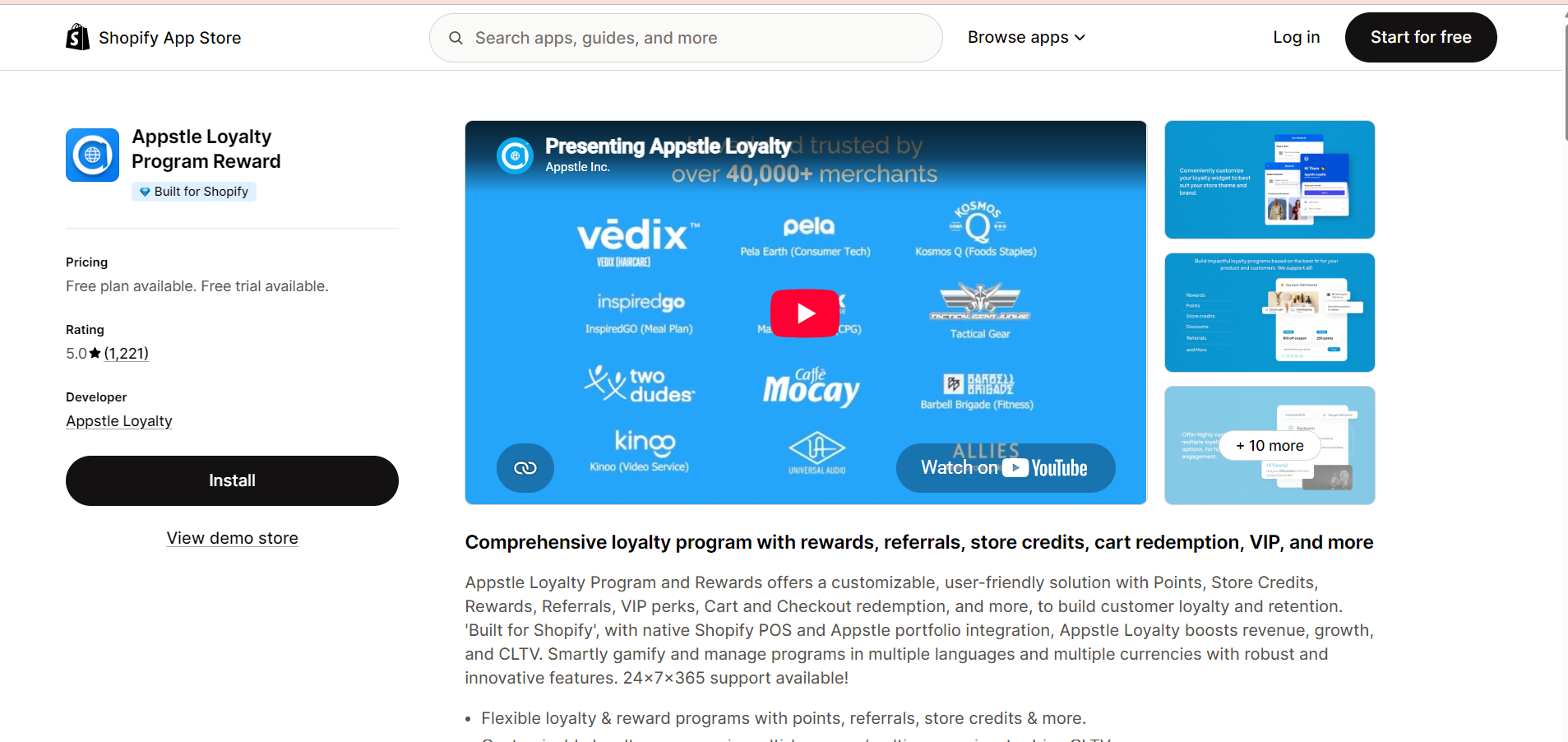
Step 1: Install the Appstle Loyalty Program Rewards App
Install and configure the Appstle Loyalty Program Rewards app from the Shopify App Store.
Step 2: Open the Custlo App
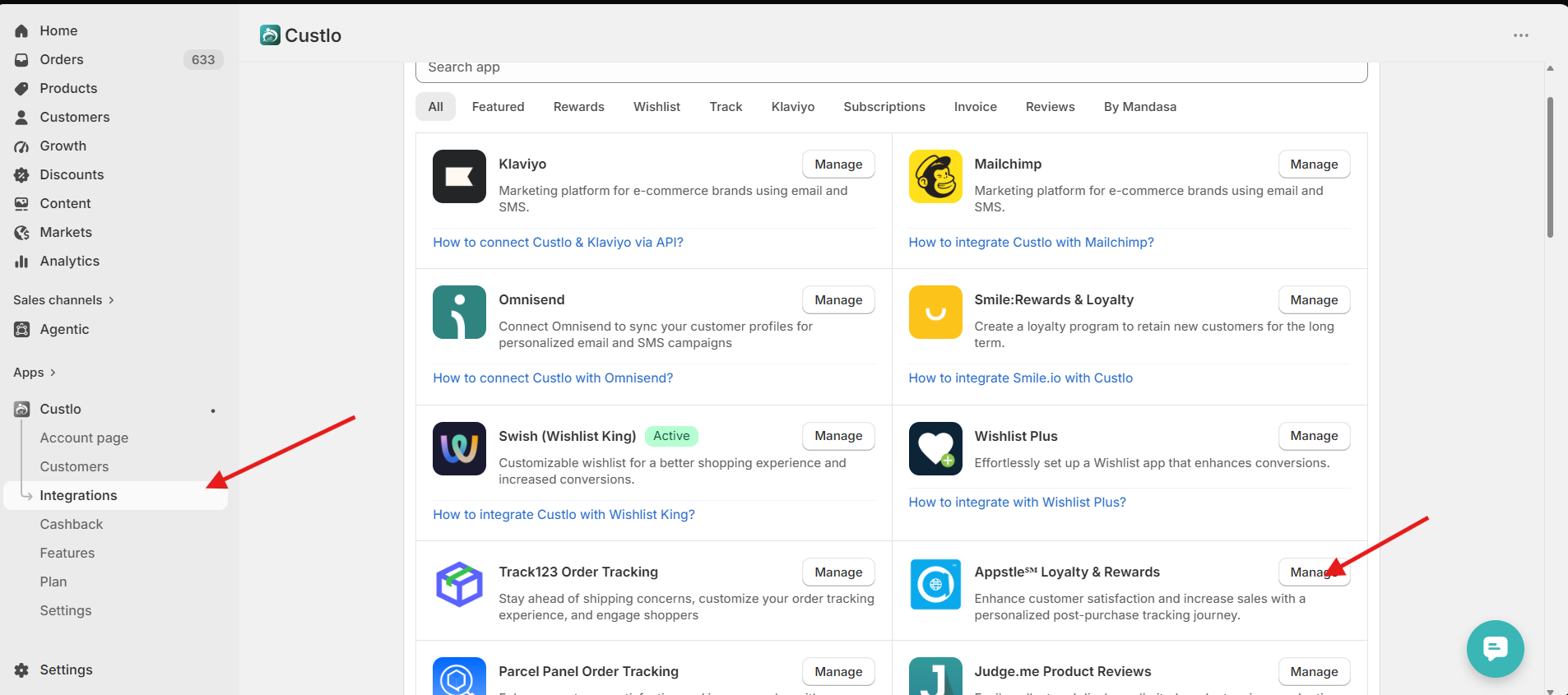
Go to Shopify Admin → Apps → Custlo – Customer Dashboard Pro.
From the left sidebar, click Integrations.
Step 3: Enable the Appstle Loyalty Integration
Locate Appstle Loyalty Program Rewards in the integrations list and click Manage.
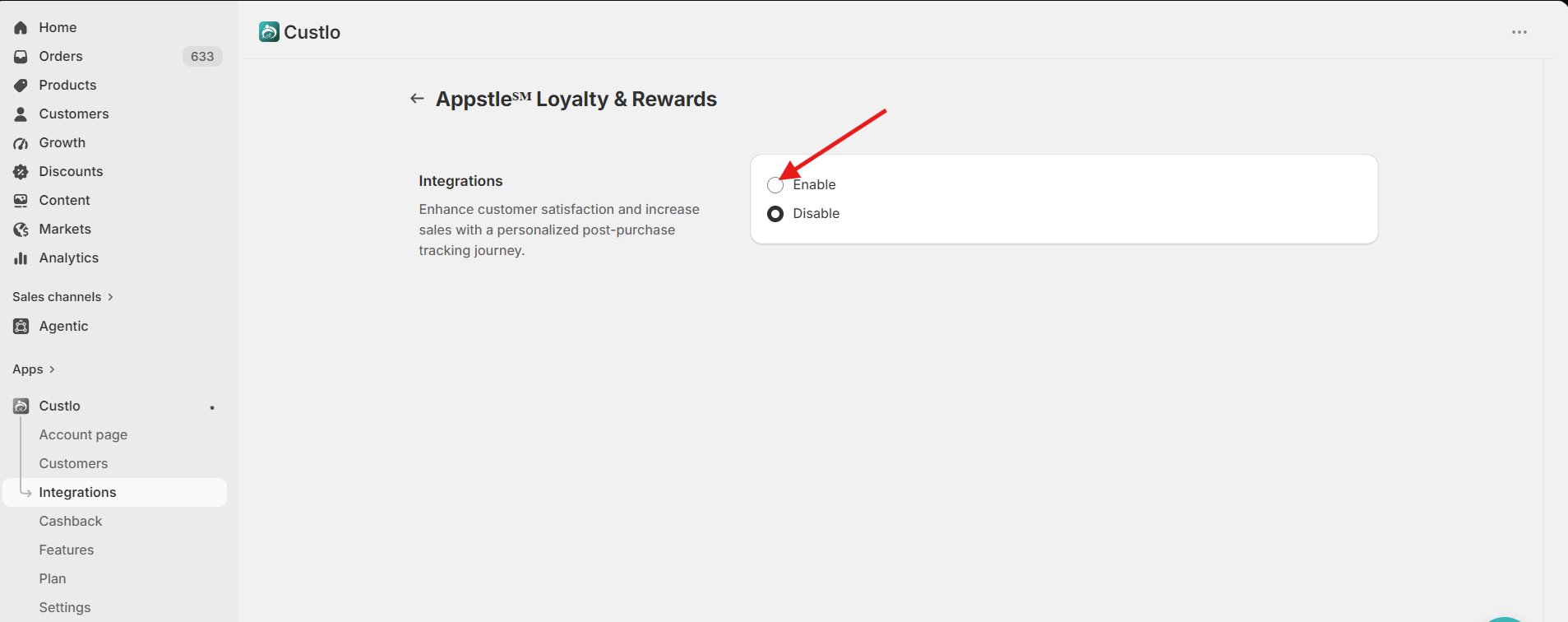
Enable the integration and click Save.
Once enabled, Custlo will automatically add a Rewards tab to the Customer Dashboard.
Step 4: View Rewards in the Customer Dashboard
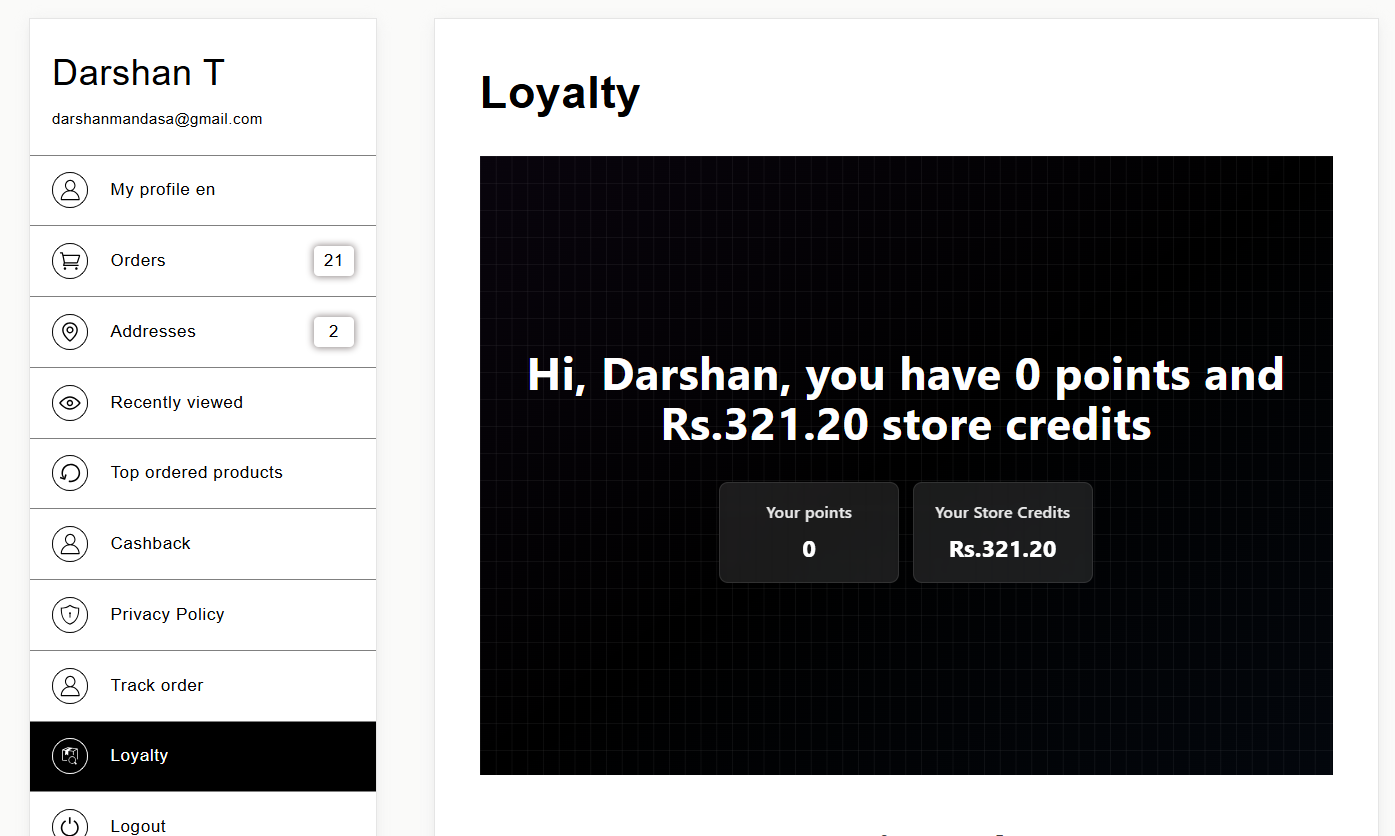
Open your storefront and log in to your customer account.
Navigate to the Rewards tab in the Customer Dashboard.
Your loyalty points and available rewards will be displayed directly within the dashboard.
Frequently Asked Questions
Why can't I see the Rewards tab?
Please make sure that:
The Appstle Loyalty Program Rewards app is installed.
The integration is enabled in Custlo → Integrations.
You are logged in as a customer.
The Custlo Customer Dashboard is active on your storefront.
Does Custlo manage loyalty points and rewards?
No. Custlo only displays the loyalty information inside the Customer Dashboard. All loyalty points, rewards, earning rules, and redemption settings are managed by the Appstle Loyalty Program Rewards app.