
How do I integrate Custlo with Swish (Wishlist King)?
Custlo integrates with Swish (Wishlist King) to display your customers' wishlist directly within the Customer Dashboard.
Follow the steps below to enable the integration.
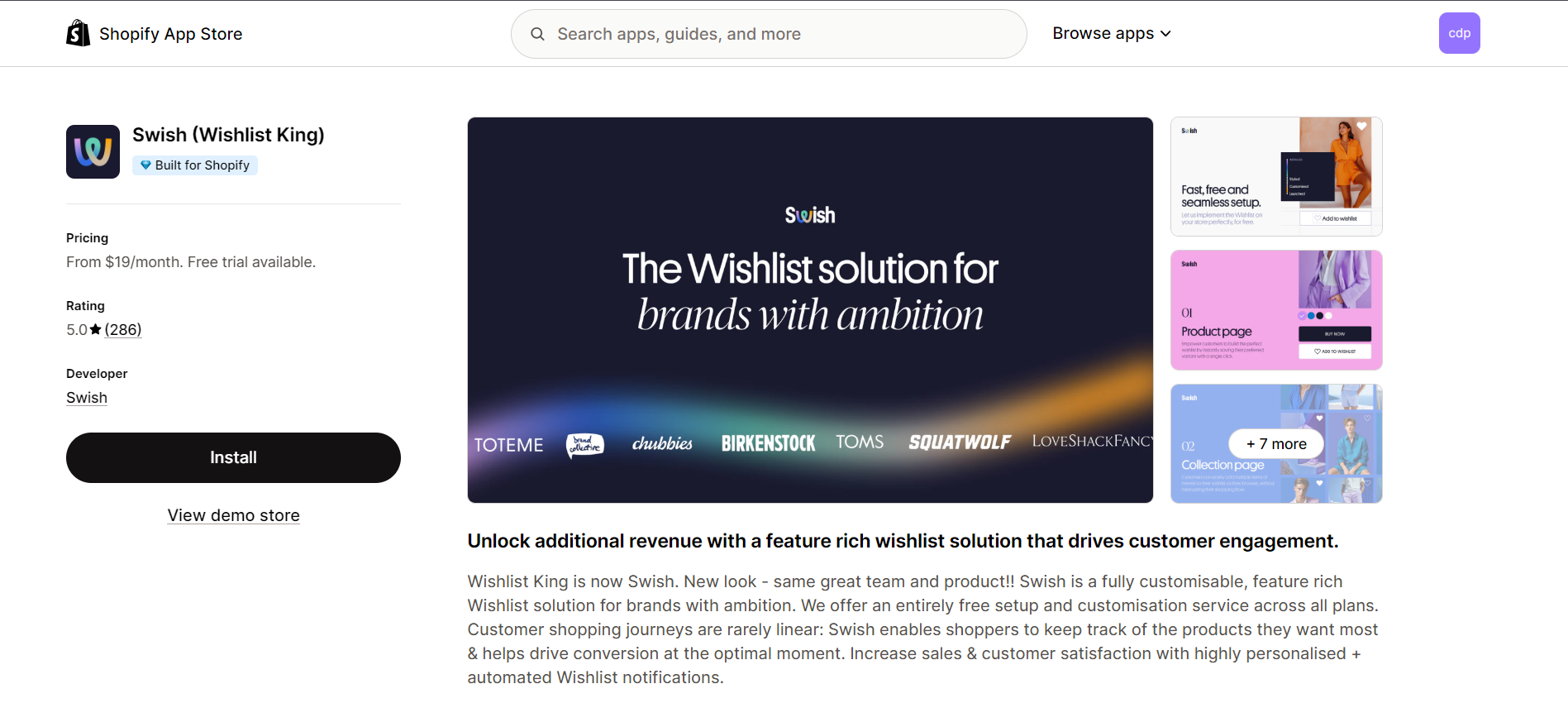
Step 1: Install the Swish (Wishlist King) App
Install and configure the Swish (Wishlist King) app from the Shopify App Store.
Step 2: Open the Custlo App
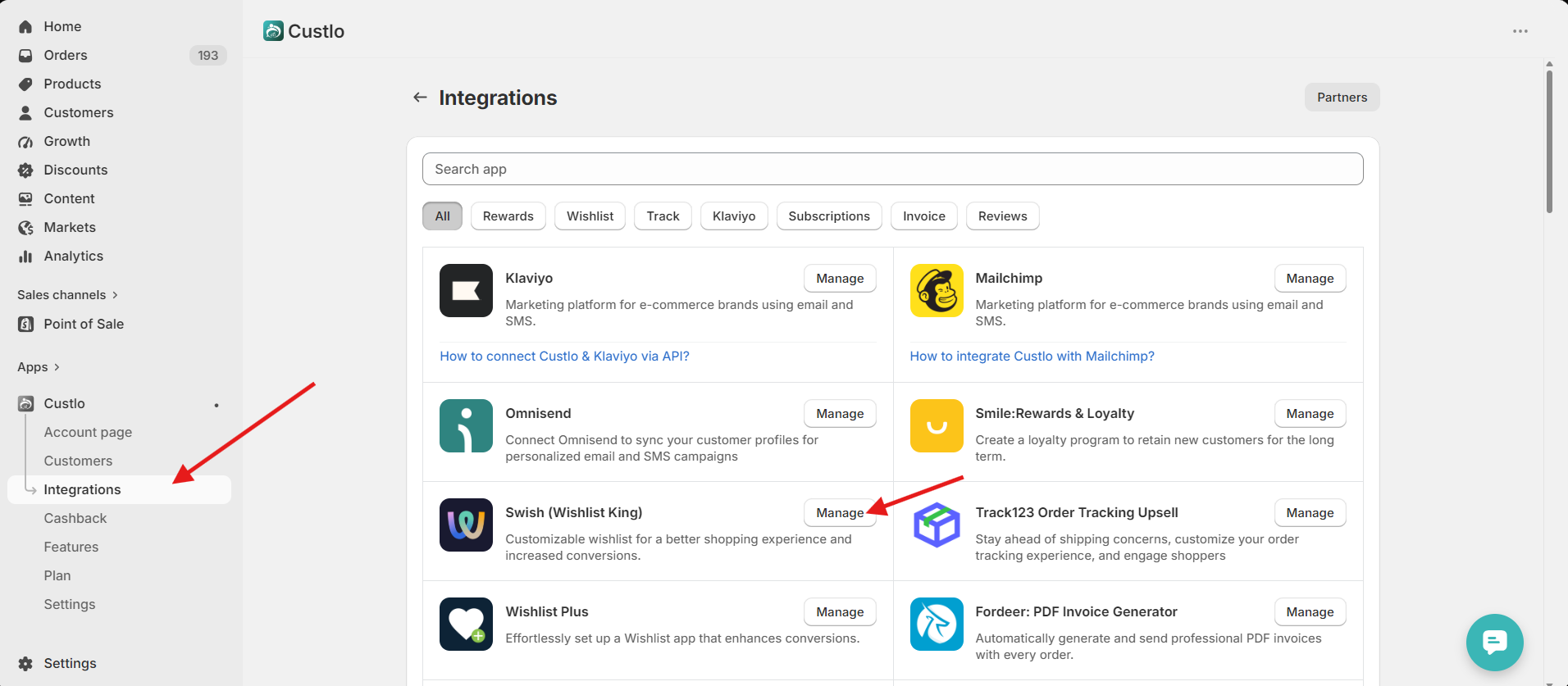
Go to Shopify Admin → Apps → Custlo – Customer Dashboard Pro.
From the left sidebar, click Integrations.
Step 3: Enable the Swish Integration
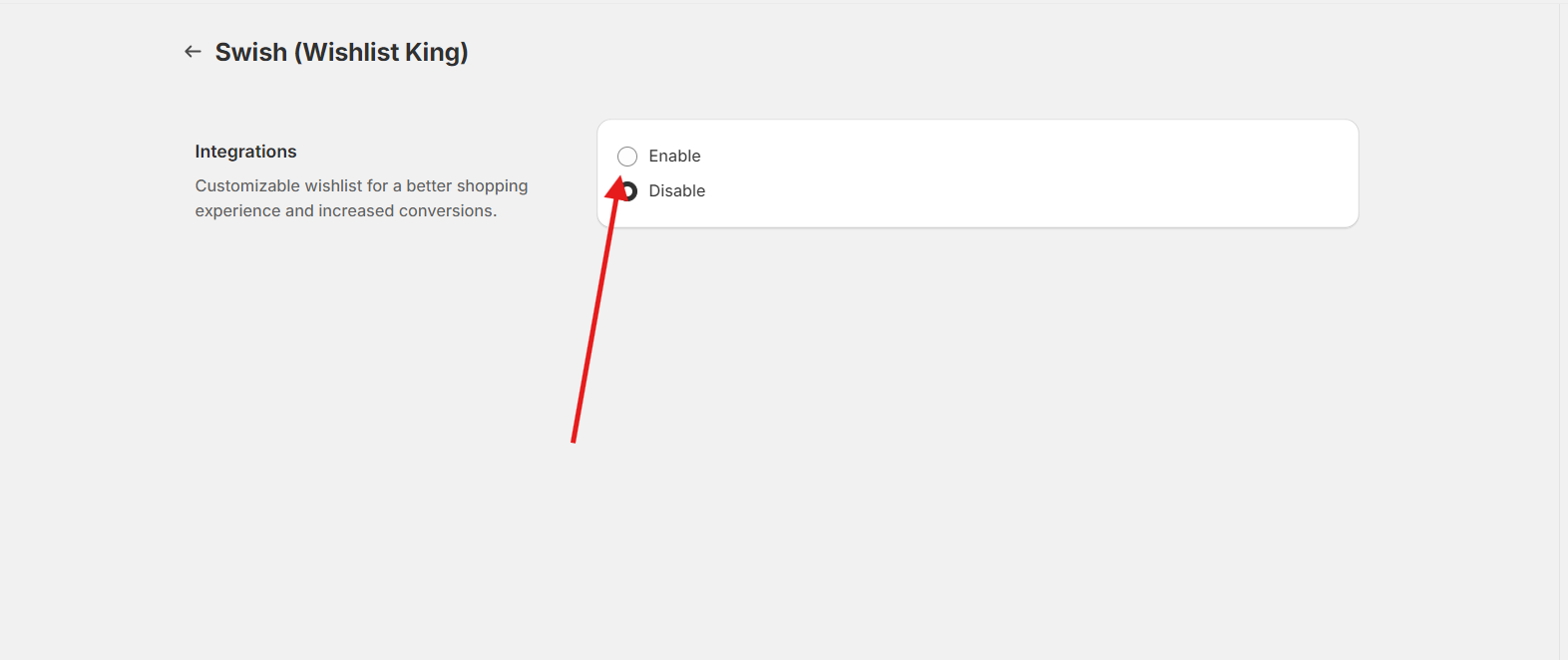
Locate Swish (Wishlist King) in the integrations list and click Manage.
Once enabled, Custlo will automatically create a Wishlist tab in your Customer Dashboard.
Step 4: View the Wishlist
Open your storefront and log in to your customer account.
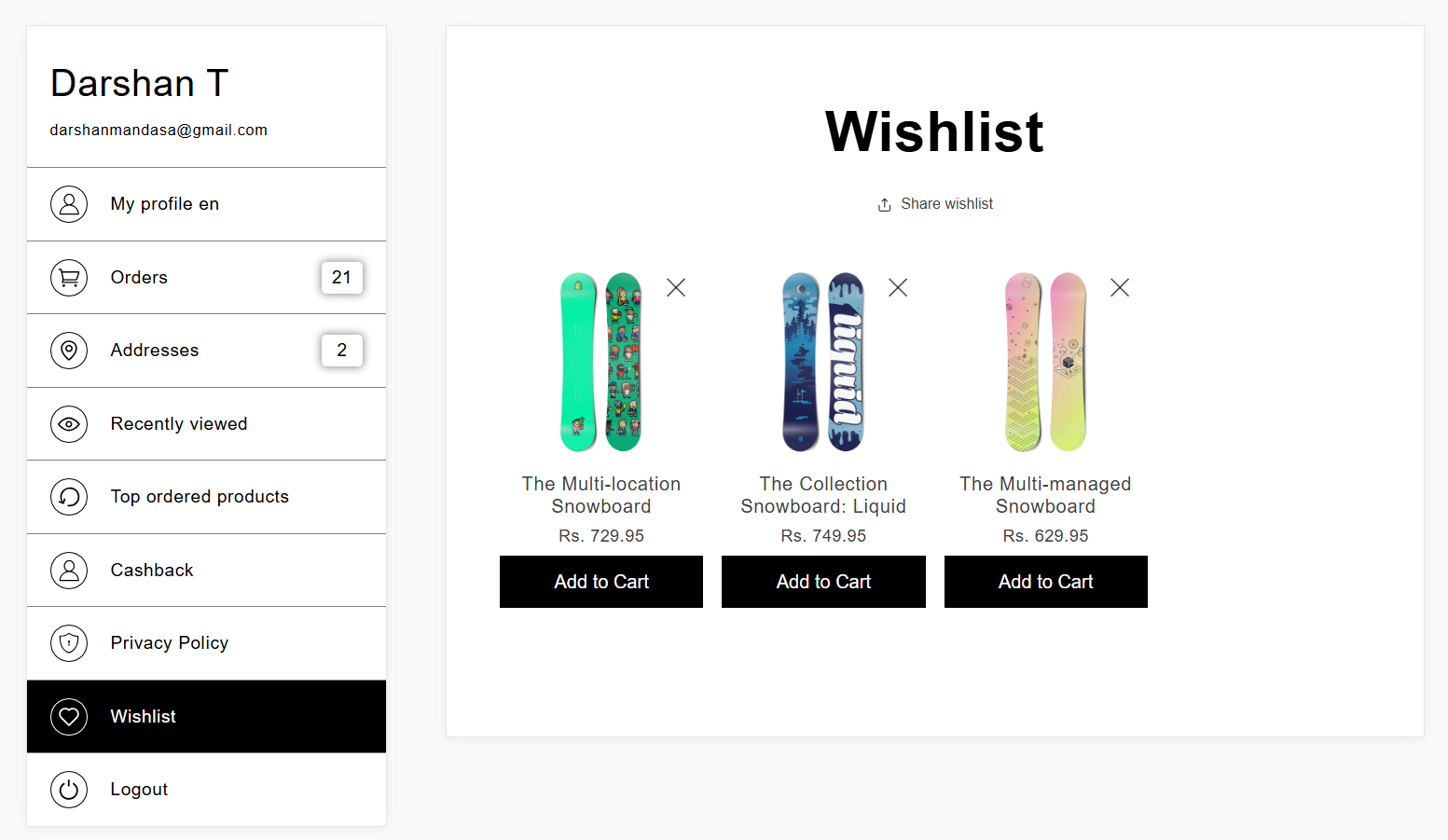
Navigate to the Wishlist tab in the Customer Dashboard.
Step 5: Access Wishlist Items
Click the Wishlist tab to view all products that the customer has added to their wishlist.
Unlike some other integrations, the wishlist is displayed directly within the Customer Dashboard—no popup is used.